When Should Businesses Use Automation at Work?
A missed appointment, an unanswered inquiry, and an invoice chased three days late may look like separate problems. For a small business owner, they are often the same problem: admin is eating the time meant for customers. So, when should businesses use automation? Use it when a task repeats, follows a clear rule, and does not need your personal judgment every single time.
That does not mean handing your business to a bot. The best automation removes the predictable work around your service, not the care, expertise, and relationships that make customers choose you. Think of it as reassurance, not hype: a practical way to keep routine work moving without hiring a single extra employee.
When should businesses use automation?
Automation makes sense when the cost of doing something manually is higher than the cost and risk of setting up a simple system. For a sole trader, that cost is usually not just wages. It is the mental load of remembering who needs a reminder, which lead has not heard back, whether stock is getting low, and what still needs to be posted this week.
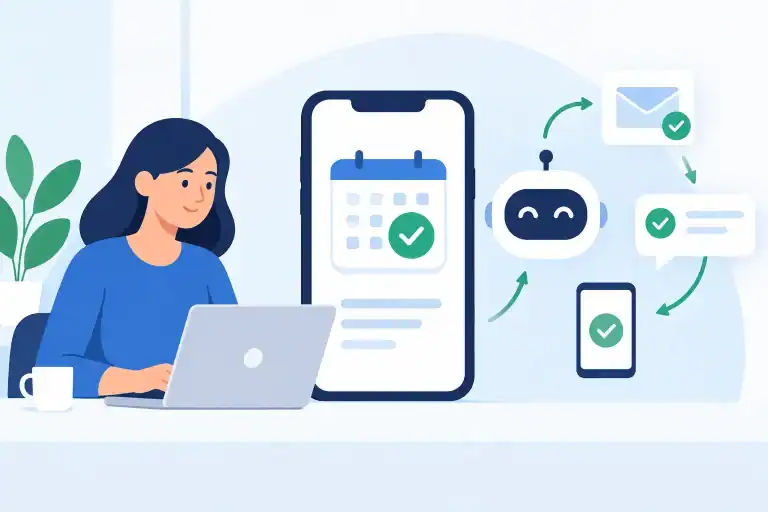
Start by looking for work with three traits: it happens often, the steps are mostly the same, and a delay causes friction. Appointment reminders are a classic example. A client books, receives confirmation, gets a reminder the day before, and receives a follow-up afterward. The message can be warm and on-brand, but the timing should not rely on you remembering it during a busy Tuesday.
The same logic applies to responding to common questions, requesting reviews, sending payment reminders, sharing order updates, organizing leads, and creating a weekly snapshot of expenses. These are not glamorous jobs. They are exactly why automation can pay back quickly.
A useful test is this: if you have copied, pasted, checked, or rewritten the same type of message at least a few times this month, it is worth examining. You may not need a complicated platform. You may simply need a saved template, a booking-system workflow, or a scheduled task with clear instructions.
Automate the process, not the relationship
Small businesses get into trouble when they automate a sensitive moment simply because the technology can do it. A chiropractor should not let an AI tool make clinical decisions. A beauty therapist should not send an identical reply to a client who is unhappy with a treatment. A specialist retailer should not use an automated message to handle a complaint about an age-restricted product.
Those moments need context, accountability, and a real person who can make things right.
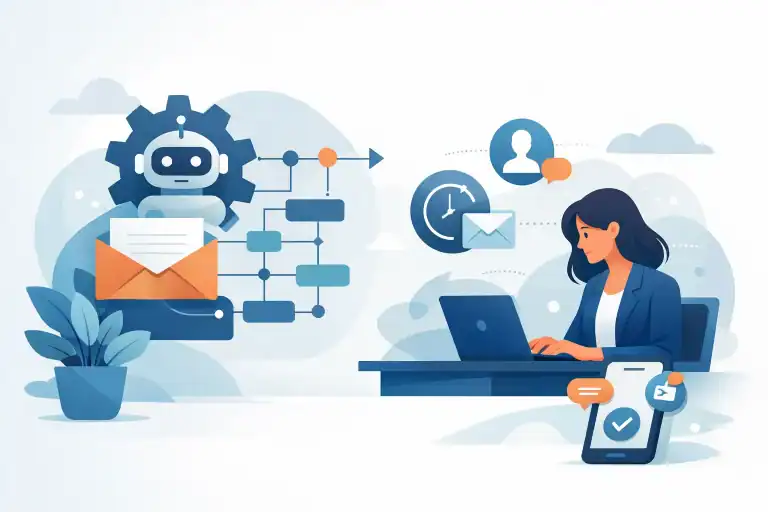
A better approach is to automate the first layer. Your system can acknowledge a message, collect the details you need, route it to the right place, and remind you to respond. AI can draft a reply based on your approved style and policies. But you should review anything that involves health information, refunds, conflict, pricing exceptions, legal claims, or a customer who is clearly frustrated.
That distinction matters. Automation is excellent at consistency. Humans are better at judgment. The goal is not to sound automated. It is to be reliably helpful without spending your whole day inside your inbox.
The best first tasks to automate
For most lean teams, the first wins come from communication and administration rather than ambitious, business-wide systems. Choose one workflow that causes daily interruption and has a clear finish line.
Consider these practical starting points:
- Booking and appointment reminders: Send confirmations, reminders, preparation notes, and no-show follow-ups at set times.
- Lead follow-up: Acknowledge new inquiries immediately, send the right next-step information, and flag leads that need a personal call.
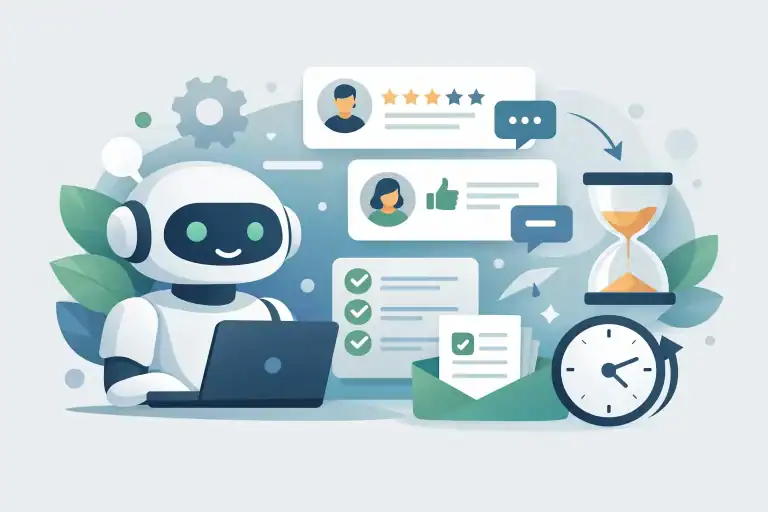
- Review requests: Send a polite request after a completed service or delivered order, while keeping poor-feedback situations for personal outreach.
- Payment and invoice nudges: Remind customers before and after a due date, then alert you when an account needs a direct conversation.
- Content and customer updates: Use AI to turn a product launch, schedule change, or seasonal offer into draft email, text, and social copy for your approval.
- Weekly operations checks: Pull together bookings, sales, overdue invoices, and expense categories so you can spot a problem before it becomes a cash-flow surprise.
Notice that these workflows have boundaries. A reminder either goes out or it does not. An inquiry is either categorized or it is not. That is what makes them safer to automate than work requiring interpretation.
Use AI when the wording changes, not the rules
Traditional automation is good at fixed actions: when this happens, send that message. AI becomes useful when the action is predictable but the wording needs to adapt.
For example, a fixed reminder can say, “Your appointment is tomorrow at 2:00 p.m.” But an AI-assisted workflow can turn a few notes into a friendly follow-up that reflects the service a customer booked, answers a common preparation question, and still follows your approved tone. You save time without sending robotic copy.
This is especially useful for review replies, product announcements, FAQs, WhatsApp messages, and first drafts of client communications. ChatGPT can give you a strong starting point in seconds. It should not be treated as an unchecked final authority.
Give it a clear brief. Include the audience, purpose, tone, facts it must include, and anything it must avoid. The CRAFT Method is useful here because better inputs create more usable outputs. Ask for a draft that is short, polite, and specific to your business, then review it before it reaches a customer.
If you find yourself heavily correcting every draft, pause. Either the prompt needs work, the task is too nuanced, or the job should stay human. Automation that creates more checking than it saves is not automation. It is another chore wearing a clever label.
When businesses should not automate yet
Do not automate a broken process. If you are unclear about who receives a lead, when an invoice is due, or what your cancellation policy actually is, putting software on top will only spread confusion faster.
Write the process out in plain English first. What triggers it? What information is needed? What happens next? Who owns an exception? Once you can explain the workflow in a few sentences, you are ready to automate part of it.
Also hold off if the volume is genuinely low. If you receive two inquiries a month, a complex customer relationship system may cost more in setup and maintenance than it returns. A well-written reply template may be all you need for now. Automation should earn its place through saved time, fewer mistakes, faster response, or more reliable revenue.
Privacy is another line in the sand. Be cautious with customer health details, payment data, identity documents, and private personal information. Use tools with appropriate settings, limit access, and do not paste sensitive client records into a general AI chat just to save a few minutes. The fastest workflow is not worth a privacy problem.
Start small enough to trust it
The smart question is not, “What can I automate?” It is, “What is one repeated task I can trust a system to handle this week?”
Pick one workflow, set a measurable goal, and run it for two to four weeks. Maybe you want fewer no-shows, faster first replies, or less time spent chasing invoices. Check the result, read the messages as a customer would, and make adjustments before adding another layer.
Keep a human override in every customer-facing workflow. Make it easy to pause a message, correct a record, or take over a conversation. That safeguard lets you gain speed without losing control.
The businesses that benefit most from automation are not necessarily the most technical. They are the ones willing to stop fumbling through the same admin every day, document what already works, and let technology carry the repeatable load. Start with one frustrating task, make it dependable, and use the recovered hour where your business needs you most.