How to Automate Appointment Confirmations
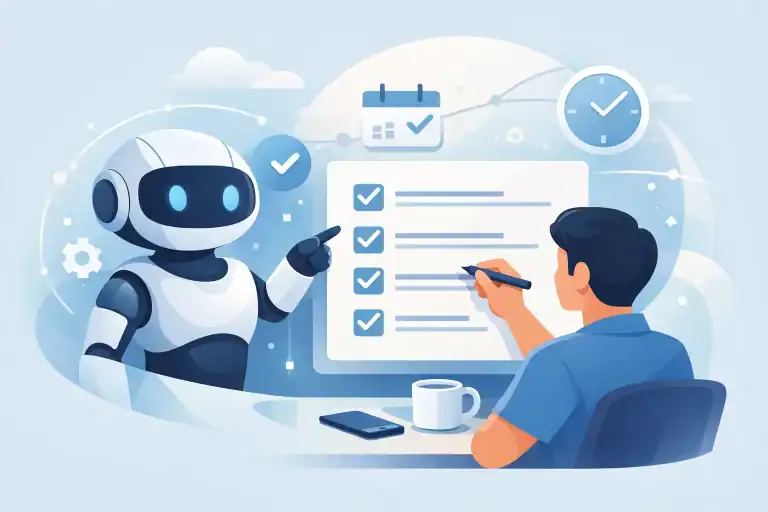
A client books a Tuesday appointment, then life gets busy. They forget the time, miss your voicemail, and fail to show up. You lose the slot, the revenue, and another chunk of your evening trying to fill a gap at short notice. Learning how to automate appointment confirmations fixes a surprisingly expensive admin problem without hiring a single receptionist.
The goal is not to bombard people with messages. It is to give clients quick reassurance that their booking is real, clear instructions on what happens next, and an easy way to confirm, reschedule, or cancel. For a solo provider or a lean team, that means fewer manual follow-ups and fewer awkward empty slots.
Why confirmations matter more than a booking receipt
A booking receipt tells someone that a transaction happened. A useful appointment confirmation gets them to act.
For a chiropractor, that might mean confirming a first visit and completing intake paperwork. For a beauty therapist, it may mean acknowledging a deposit and reading cancellation terms. For a specialist retailer offering consultations, it can mean bringing the right information to the appointment.
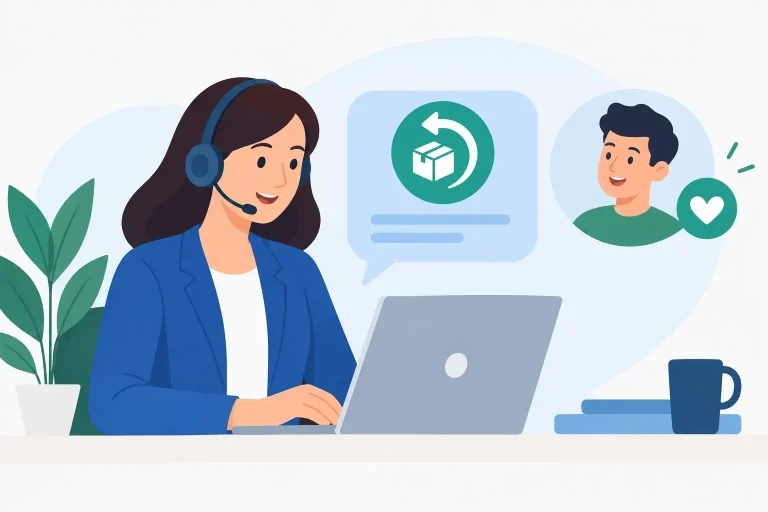
A clear confirmation message reduces uncertainty at the exact point a client is most likely to drift. It also gives them a simple exit route if their plans change. That matters because a cancellation with enough notice is far better than a no-show.
Automation also removes the unreliable part of the process: remembering to send each message yourself. Your system sends the right communication based on the booking event, even while you are with a customer, driving home, or taking a day off.
How to automate appointment confirmations in five steps
You do not need a complicated AI setup to get this working. Start with the booking system you already use, then build one dependable workflow around it.
1. Decide what counts as a confirmed appointment
First, set the rule. Some businesses treat a completed online booking as confirmed immediately. Others require the client to reply YES, pay a deposit, complete a form, or approve a proposed time.
There is no universal best answer. If you run a high-demand service with a meaningful no-show problem, an active confirmation is sensible. If clients book recurring sessions every month, adding a reply requirement every time may create unnecessary friction.
Be specific about the outcome you want. For example: “A new client is confirmed only after they reply YES or pay the deposit within 24 hours.” A clear rule makes the automation much easier to build.
2. Choose the message channel your clients actually use
SMS is often best for urgent, time-sensitive confirmations because people usually see it quickly. Email works well for longer instructions, forms, receipts, and policies. Many small businesses get the strongest result by using both: an immediate email containing the full details and a short text message asking for confirmation.
WhatsApp can work particularly well if that is already how your customers communicate with you. Just do not add a new channel because it is trendy. Use the channel where your clients are most likely to respond.
Keep consent in mind. Make sure clients understand they may receive booking-related texts or emails, and give them a clear way to opt out of marketing messages. Transactional appointment communication is useful, but it should never feel like a sales ambush.
3. Build the trigger from your calendar or booking system
The simplest trigger is: when a new appointment is created, send a confirmation message.
Most booking platforms can do this natively. Before adding extra software, check the settings you already pay for. Look for automated notifications, appointment statuses, message templates, deposits, cancellation rules, and calendar integrations.
If your current platform cannot handle the workflow, connect it to an automation tool that watches for new bookings and sends an email, SMS, or WhatsApp template. The technical part matters less than the logic. Your workflow should know who booked, what they booked, when it is happening, and what action you want them to take.
Avoid copying sensitive health details, financial information, or personal notes into message tools that do not need them. Share only the minimum information required to confirm the appointment. Practical automation should save time, not create a privacy headache.
4. Write a message that asks for one clear action
The best appointment confirmations are short, specific, and easy to answer. Do not make clients hunt through a paragraph to find the time or wonder whether they need to respond.
A basic SMS template could read:
“Hi [First Name], your appointment with [Business Name] is booked for [Day, Date] at [Time]. Reply YES to confirm, or use this link to reschedule if needed. Reply STOP to opt out.”
For an email, include the appointment type, location or video-call instructions, parking details if relevant, your cancellation deadline, and a rescheduling option. New clients may also need a link to a form or a short note on what to bring.
If you use ChatGPT to draft these templates, do not paste client records into the chat. Give it the business context and placeholders instead. Ask for three versions: warm, concise, and more formal. Then choose one that sounds like you, not like a generic call center.
5. Add reminders and a fallback for no response
Confirmation automation works best as a small sequence, not a single message. A sensible setup sends the initial confirmation immediately, checks whether the client responds, and sends one follow-up if they do not.
For many local service businesses, a second message 24 hours before the appointment is enough. If the booking was made weeks in advance, send an earlier reminder too. The right timing depends on your service, cancellation policy, and how far clients travel.
Do not keep chasing people indefinitely. If someone does not confirm after your chosen deadline, flag the appointment for manual review or release it according to your stated policy. This is where automation gives you a decision instead of another task sitting in your inbox.
A practical workflow for a small service business
Here is a straightforward example for a massage therapist who takes appointments online.
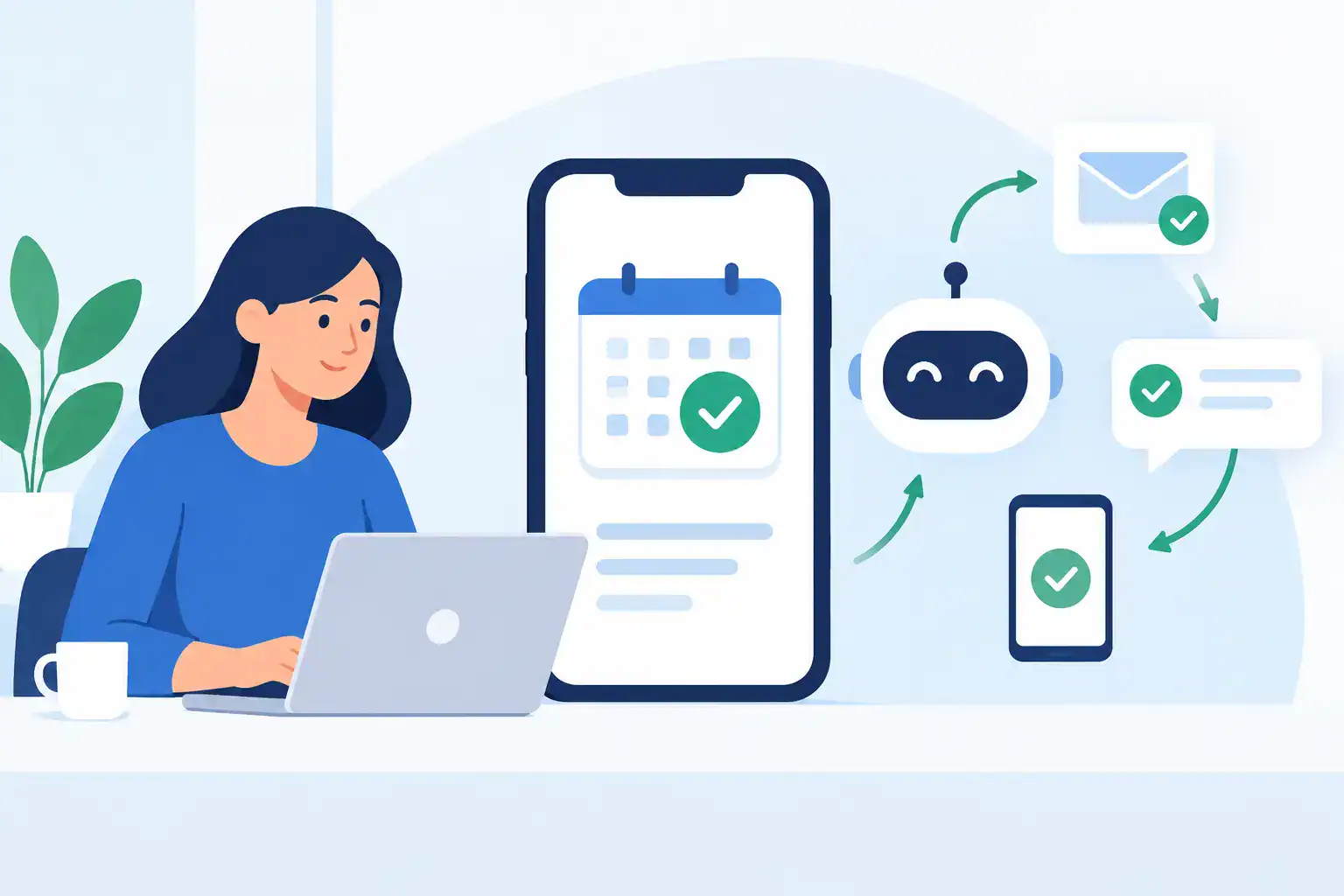
When a client books, the system immediately sends an email with the service, time, address, parking notes, and cancellation policy. At the same time, it sends a text asking the client to reply YES. A YES reply changes the appointment status to confirmed.
If no reply arrives after 12 hours, the system sends one polite follow-up. Two days before the session, confirmed clients receive a reminder with a rescheduling option. Clients who have not confirmed are placed in a review list so the owner can decide whether to call, hold the slot, or offer it to someone on a waitlist.
That is not flashy AI. It is a useful operating system that protects revenue without lifting a finger after the initial setup.
Where AI helps, and where it does not
AI can help you write clearer templates, create different messages for new and returning clients, translate standard instructions, and spot patterns in cancellation notes. It can also help you create a simple policy that sounds firm without sounding cold.
But AI should not be left to make sensitive decisions on its own. Do not let it invent medical advice, alter pricing, waive cancellation fees, or send personal responses to upset clients without your review. Keep your rules human-owned and your automated messages predictable.
A good test is simple: would you be comfortable if every client received this message at 9 p.m. while you were unavailable? If the answer is no, tighten the wording or add an approval step.
Track the numbers that prove it is working
Do not judge your automation just because it feels organized. Track your no-show rate, late-cancellation rate, confirmation rate, and the number of hours spent manually following up each month.
Check the results after four to six weeks. If confirmations are low, test a shorter text message or a clearer call to action. If clients complain about too many messages, reduce the sequence. If no-shows remain high, look at deposits, reminder timing, and whether your rescheduling process is too difficult.
The best system is not the one with the most integrations. It is the one that gets clients to show up, frees you from repetitive admin, and still feels respectful on the receiving end. Start with one appointment type this week, test it with real bookings, and let the saved time build from there.