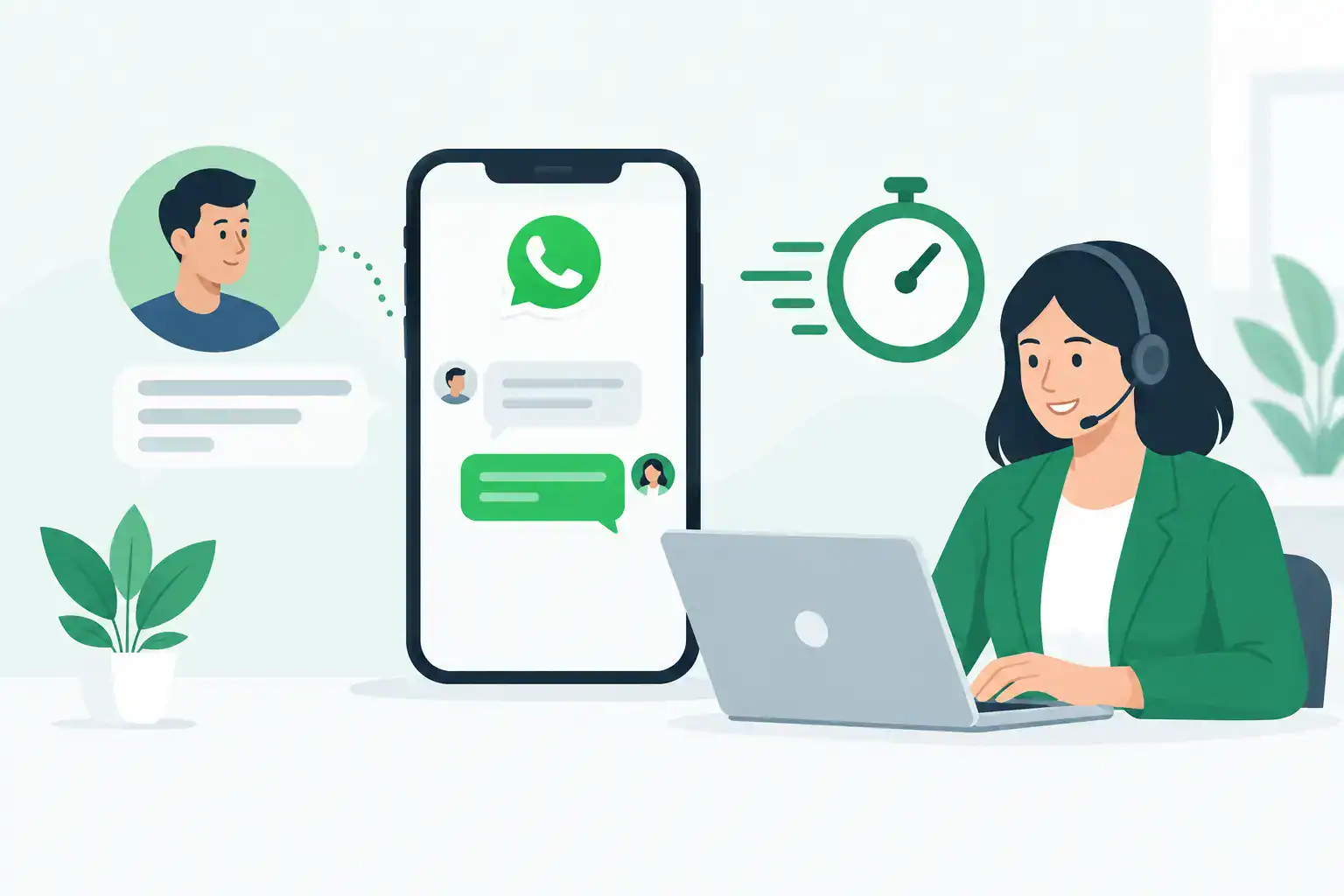
WhatsApp Business for Faster Customer Replies
A customer messages at 9:14 p.m. asking whether you have an opening tomorrow. You see it between supplier emails, invoices, and dinner, then forget to reply. By morning, they have booked elsewhere. WhatsApp Business will not run your operation for you, but it can stop simple customer conversations from slipping through the cracks.
For a sole trader or lean local team, that matters. WhatsApp is often where customers ask the questions they did not ask on your website: prices, availability, directions, product stock, appointment changes, and whether you can help with a specific problem. The goal is not to send robotic replies. It is to create a reliable way to respond quickly, set expectations, and move people toward a booking or sale without hiring a single receptionist.
What WhatsApp Business Is Actually Good For
WhatsApp Business is best treated as a customer communication desk in your pocket. It gives a business profile, greeting and away messages, quick replies, labels, a catalog, and basic message organization. For businesses already getting customer messages through WhatsApp, these features reduce the mental load of remembering what to say and who needs a follow-up.
It is particularly useful when your customers want an answer before they are ready to call. A beauty therapist can confirm patch-test requirements. A chiropractor can explain how to request an appointment, without giving clinical advice by message. A specialist retailer can answer a stock question and tell the customer when an item will be available.
The trade-off is that WhatsApp Business is not a full customer relationship management system. If you have multiple staff members, complex lead pipelines, high message volume, or regulated records, you may need a more structured system alongside it. Start with the app if your priority is better day-to-day communication. Do not build a complicated automation project around a messy inbox.
Set Up WhatsApp Business Before You Need It
The fastest win is making your profile answer the questions customers ask repeatedly. Add your business name, category, hours, service area or address, email, and website if applicable. Use a clear profile image that customers will recognize, such as your logo or storefront.
Then write a greeting message that is warm but useful. Avoid vague wording such as “How can we help?” Give customers a next step. For example: “Thanks for messaging Maple Skin Studio. Send your preferred day, service, and ideal time, and we’ll get back to you during business hours.”
Your away message should do the same job after hours. It should state when you will respond and tell customers what information to send now. This reduces the back-and-forth when you return to the inbox. Do not promise an instant response if you cannot provide one. Reassurance, not hype, builds more trust than pretending you operate around the clock.
Use labels to prevent dropped conversations
Labels are simple, but they are where many small businesses start gaining control. Use a small set that reflects how you actually work: New inquiry, Waiting on customer, Booked, Follow up, Order issue, and Paid. You do not need 20 categories.
The point is visibility. When you have a spare 15 minutes, open the Waiting on customer and Follow up labels rather than scrolling through every chat. That turns WhatsApp from an endless stream of messages into a basic task list.
Build quick replies around repeated questions
Quick replies save time when the same answer is sent several times a week. Think booking instructions, parking details, cancellation policy, hours, price ranges, payment options, or stock checks. Keep each reply short enough to feel like a real message, then personalize the first line when needed.
For example, instead of typing your cancellation policy from scratch, save a clear version: “We ask for 24 hours’ notice to change or cancel an appointment. Late changes may be charged because that time is difficult to refill.” It is direct, fair, and less likely to become inconsistent when you are busy.
Use ChatGPT to Draft Better Replies, Not to Replace Judgment
ChatGPT can take the blank-page problem out of customer communication. Give it your rough notes, your policy, and the tone you want, then use the output as a draft. This is especially useful when you need to say no politely, explain a delay, or respond to an unhappy customer without becoming defensive.
Do not paste private client notes, medical details, payment information, addresses, or anything you would not want stored outside your business systems. For health, legal, financial, or safety-related questions, use AI to improve the wording of an approved response, not to create advice. You remain responsible for what goes out under your business name.
Here are five practical prompts you can reuse. Replace the bracketed details before sending.
- Booking reply: Write a friendly WhatsApp reply for a [type of business]. Ask the customer for their preferred date, time, and service. Keep it under 70 words and do not promise availability.
- No-show prevention: Write a warm appointment reminder for [service] on [date and time]. Ask the customer to reply CONFIRM or message us if they need to reschedule. Keep the tone professional, not pushy.
- Delay update: Write a concise WhatsApp update telling a customer their [order/service] is delayed until [date]. Apologize without overexplaining, state the next step, and offer one practical option.
- Review recovery: Draft a calm reply to a customer unhappy about [issue]. Acknowledge the frustration, avoid admitting facts we cannot verify, and invite them to continue the conversation directly.
- Follow-up message: Write a non-pushy WhatsApp follow-up for someone who asked about [service/product] but did not book or buy. Mention [specific benefit] and include one simple call to action.
The strongest outputs come from specific instructions. Tell ChatGPT who the customer is, what happened, the policy you must follow, and the outcome you want. AI Alchemist calls this kind of instruction the CRAFT approach: give the tool enough context to produce something useful, then check it before it reaches a customer.
Create a Reply Routine That Does Not Take Over Your Day
Speed matters, but constant availability is a trap. Decide when messages are checked and who owns the inbox. A solo operator might check before opening, at lunchtime, and before closing. A small team may assign one person to triage new messages and label anything requiring the owner’s decision.
Set a realistic response standard. For example, all new inquiries receive an acknowledgment automatically, while detailed replies are handled within one business day. Customers do not usually expect a detailed answer at midnight. They do expect clarity about what happens next.
For appointment businesses, send reminders early enough for customers to act. For retail businesses, keep common stock and delivery answers saved as quick replies, but verify availability before confirming it. For service professionals, keep your messages focused on logistics and next steps rather than trying to solve complex client issues over chat.
Watch the Boundaries That Protect Your Business
WhatsApp feels informal, which can make business boundaries harder to maintain. Keep business conversations on your business number where possible. Do not let customer chats spill into personal accounts, late-night calls, or verbal promises you cannot track.
Get permission before sending promotional messages, especially if you plan to announce offers, new stock, or seasonal availability. A customer asking about an appointment is not automatically asking for marketing updates. Keep promotional communication relevant and occasional, or people will mute you faster than they booked you.
Finally, review your saved replies every few months. Prices change, policies change, and old wording can create unnecessary arguments. A quick audit of your greeting, away message, quick replies, and labels can save more time than adding another app.
The best WhatsApp Business setup is not the one with the most automation. It is the one that helps you answer the right customer at the right time, with less fumbling and more confidence. Start with one greeting, three quick replies, and a follow-up label this week. That is enough to make your inbox feel like part of the business again, not another job waiting for you after hours.