Can AI Write Review Responses Without Sounding Fake?
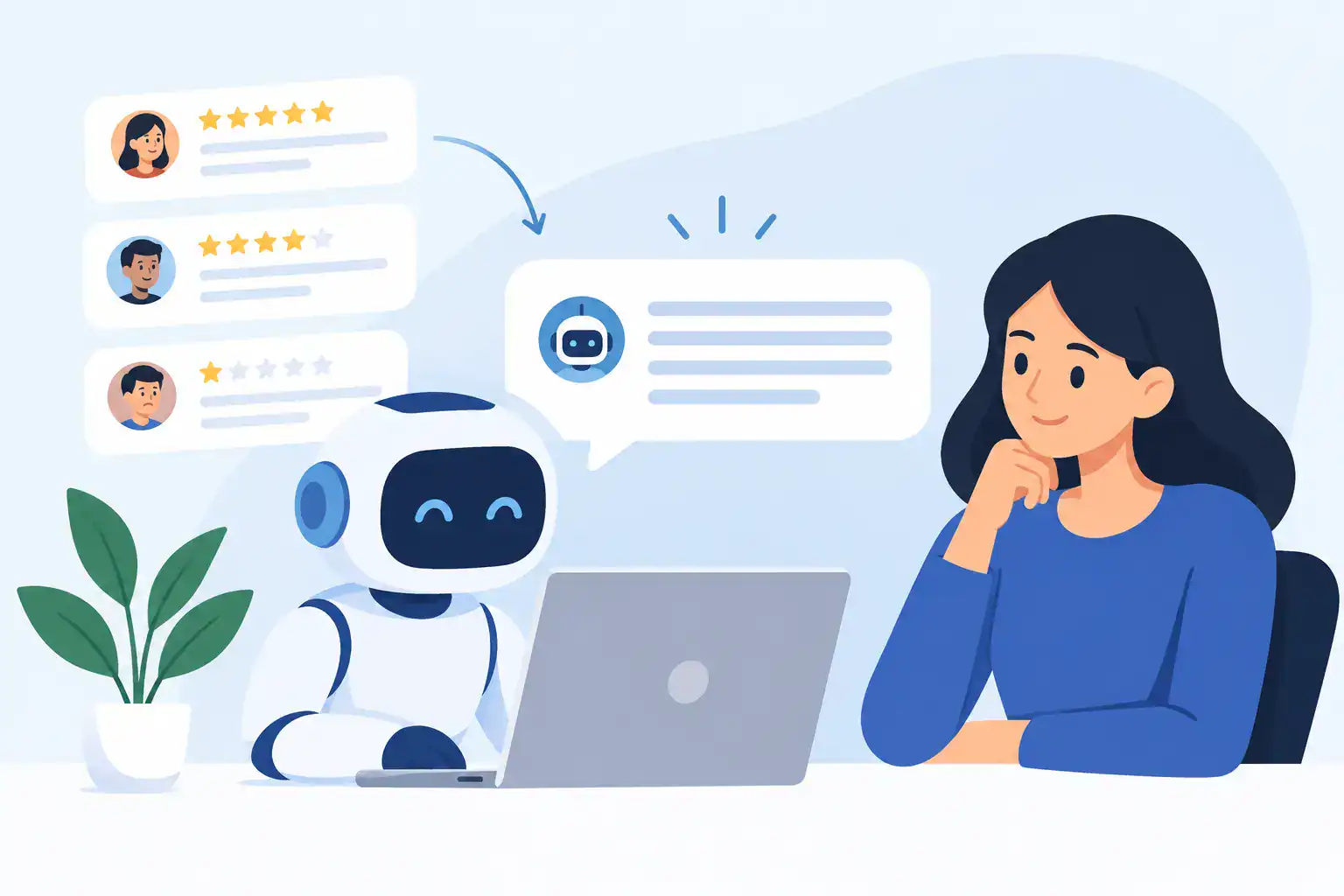
A one-star review can land between appointments, during a busy Saturday, or just as you are trying to close the register. The question is not only, “can AI write review responses?” It is whether it can help you reply quickly without making an unhappy customer feel brushed off by a robot.
For most small businesses, the answer is yes, with a condition: AI should draft the response, not make the judgment call. Used well, it removes the blank-page problem and gives you a polished starting point in seconds. Used badly, it produces generic apologies, makes promises you cannot keep, or accidentally reveals customer information.
The practical win is simple. You can spend less time staring at Google reviews and more time serving customers, without hiring a single extra admin person.
Can AI Write Review Responses That Customers Trust?
AI can write credible review responses because the structure of a good reply is predictable. It should acknowledge the customer’s experience, address the point they raised, explain the next step where appropriate, and sound like the person behind the business.
That does not mean every response should follow the same script. A five-star review for a friendly beauty therapist needs warmth and specificity. A complaint about a late appointment needs care, ownership, and a private route to resolve the issue. A review containing false claims may need a calm factual correction rather than an apology.
ChatGPT is especially useful when you give it the context it cannot know on its own: your business type, your usual tone, the platform, and what you are actually able to offer. Think of it as a fast communications assistant that needs a clear brief.
The risk comes when owners paste in a review, hit send on the first output, and assume it is done. It is not. Your name is still on the response, and a public reply can influence the next customer deciding whether to book, visit, or buy.
Where AI Saves the Most Time
The biggest time saving is not writing one reply. It is creating a repeatable process for the steady stream of reviews that arrive when you are busy doing the work.
Positive reviews are a good place to start. AI can create short, varied thank-you replies that mention the service the customer appreciated, avoiding the copy-and-paste feel of “Thanks for your kind words” every time. This is useful for local businesses that receive several reviews a week but do not have a marketing manager watching their profile.
It is also useful for neutral or mixed reviews. These are often the hardest to answer because there may be a valid issue, but the customer is not asking for a public argument. A measured AI draft can help you acknowledge the feedback and show future customers that you listen.
For negative reviews, AI saves drafting time but requires the most owner involvement. It can organize your thinking and soften reactive language. It should never decide whether a refund is appropriate, admit legal responsibility, or accuse a reviewer of being wrong.
Use This Four-Step Review Reply Workflow
You do not need an automation project to get value from this. Set aside 10 to 15 minutes twice a week, collect new reviews, and run each one through the same process.
1. Decide what type of response it needs
Before opening ChatGPT, classify the review. Is it positive, mixed, a service complaint, a pricing objection, a suspected fake review, or a serious allegation? The category determines the tone and whether you should move the conversation offline.
A simple positive review can usually be answered quickly. A complaint involving a health service, personal details, safety, discrimination, or a disputed transaction needs more care. Do not treat every review as standard customer service copy.
2. Remove private details before pasting
Do not paste names, phone numbers, email addresses, appointment records, order numbers, health details, or payment information into a public AI tool. Even if the reviewer has named themselves publicly, you should not add more detail to your response.
For a chiropractor, osteopath, or any wellness business, this matters even more. Do not confirm that someone was a patient or discuss their treatment. A safe public response can say, “We take feedback seriously and would welcome the chance to discuss your concerns directly,” without confirming any client relationship.
3. Give AI a clear brief
Weak prompts create weak replies. Use the CRAFT approach: provide the Context, Role, Action, Format, and Tone. You do not need technical knowledge. You just need to be specific about what the reply must do.
Try this prompt:
> Act as the owner of a [business type] in [city]. Write a response to the review below for Google. Keep it under 70 words. Use a warm, professional, plain-English tone. Thank the reviewer, mention the specific service they praised, and do not use sales language or excessive exclamation points. Give me two different versions. Review: [paste review with private details removed]
For a negative review, use this instead:
> Act as the owner of a [business type]. Draft a calm public response to this Google review. Acknowledge the customer’s frustration without admitting fault or discussing private account details. Do not offer a refund or make promises. Invite them to contact us directly at [approved contact method]. Keep it under 90 words and avoid defensive language. Review: [paste review with private details removed]
4. Edit it like an owner, then post
Read the draft aloud. Would you say it to someone standing at the counter? Does it sound like your business, or like a customer service template from a giant corporation?
Add one real detail if it is safe to do so. Replace stiff phrases such as “We sincerely appreciate your feedback” with language you would naturally use. Remove anything you cannot verify. Then post the final version yourself.
That final review takes less than a minute, but it is the difference between useful AI support and careless automation.
What a Good AI Review Response Looks Like
Suppose a salon receives: “Really lovely staff and I am happy with my color. I did have to wait 15 minutes past my appointment time.”
A weak response says: “Thank you for your valuable feedback. We apologize for any inconvenience and strive for excellence.” It could belong to any business, and it ignores the specific concern.
A stronger response says: “Thank you for the lovely feedback about the team and your color. We are sorry you were kept waiting past your appointment time. We know your time matters, and we are reviewing our scheduling to help appointments run more smoothly.”
It is short, human, and does not overpromise. It also shows anyone reading that you take delays seriously.
Now consider a review claiming poor service that does not match your records. Do not ask AI to “prove this customer is lying.” A better response is: “We are sorry to read that you were disappointed. We would like to understand what happened, but we cannot identify this visit from the details shared. Please contact us directly so we can look into it.”
This protects your reputation without starting a public fight.
The Mistakes That Make AI Replies Backfire
The first mistake is responding to every review with the same length, tone, and wording. Customers notice repetition, especially in small local businesses where reviews sit side by side. Ask AI for multiple options and rotate your phrasing.
The second is being overly apologetic when you do not yet know the facts. “We failed you” may be emotionally satisfying in the moment, but it could be inaccurate and create a bigger issue. Acknowledge the experience first, investigate second, and offer a next step only when you can deliver it.
The third is replying too late. A thoughtful response posted three weeks after a complaint can look like damage control. If you cannot answer every review daily, create a fixed routine. Consistency beats waiting for the perfect wording.
Finally, do not automate sensitive responses without approval. An AI tool can help draft a thank-you note without lifting a finger. Complaints involving privacy, safety, refunds, staff conduct, or regulated services should always pass through a human owner or manager.
Make Your Replies Sound Like Your Business
Create a short voice note for your AI prompt. Write down three words that describe your business, such as friendly, straight-talking, and calm. Add phrases you commonly use and phrases you never use. If your business is casual, you may use “Thanks so much.” If you are a specialist clinic, you may prefer a more reserved “Thank you for sharing your feedback.”
Also set boundaries. Decide in advance whether you offer a callback, a direct email, a rebooking conversation, or no public remedy until you have investigated. This stops AI from suggesting gestures that cost money or create expectations your team cannot meet.
The goal is not to make every review response perfect. It is to make sure no customer is ignored because you were too busy, too tired, or unsure what to say. Let AI handle the first draft. Keep the judgment, care, and final word firmly with you.